Combination sheets
Standard Work Combination Sheet Software
Levio Studio produces the standard work combination view from measured element data — manual work, walking and machine time laid out across the cycle and checked against takt time.
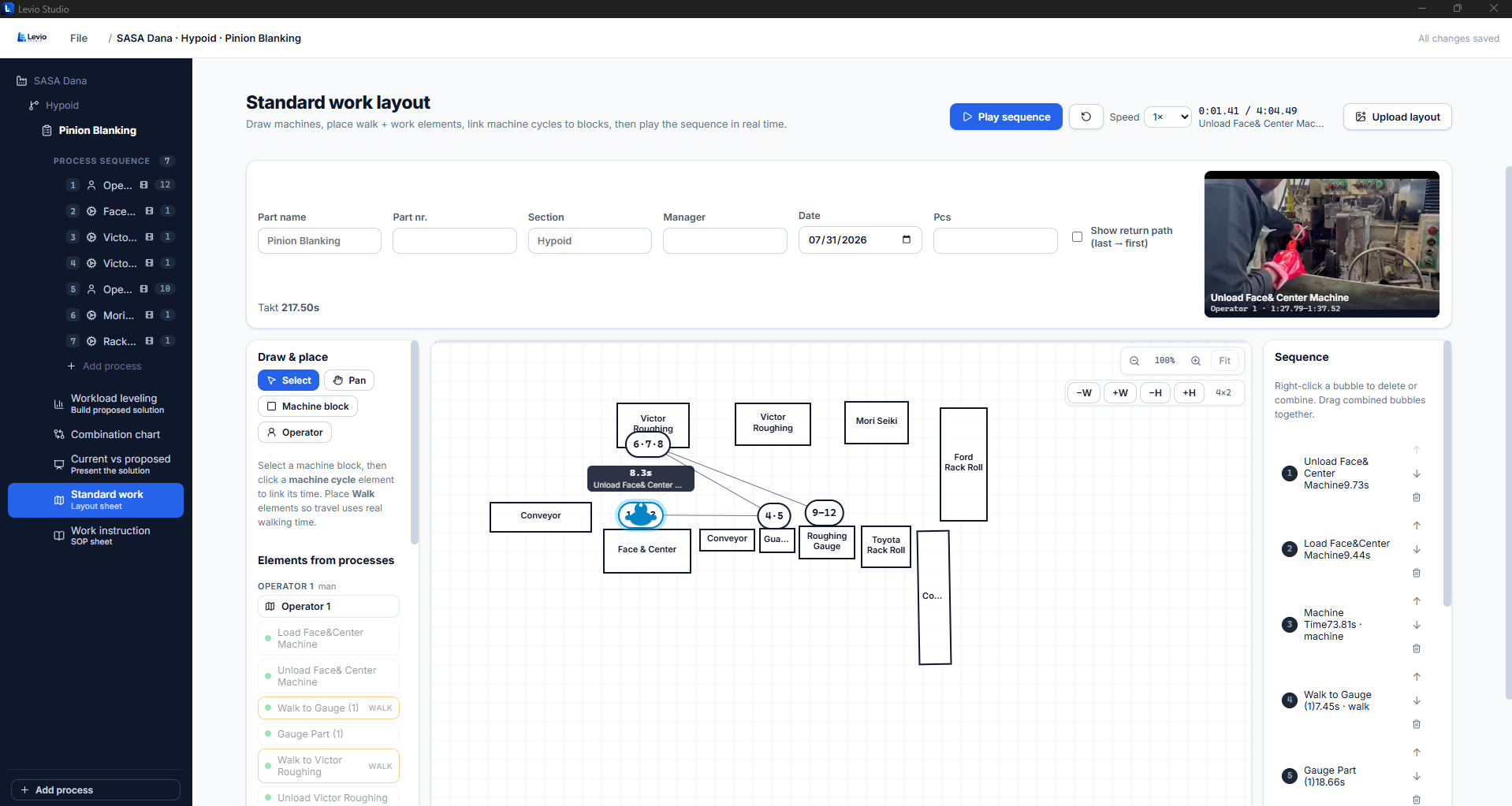
Manual, walking and machine time in one cycle
Each element sits on the cycle with its own type, so you can see where the operator is working, where they are walking, and where the machine is running without them. That is where overlap opportunities usually appear.
- Manual, walking and machine time drawn separately
- Takt line checked against the completed cycle
- Waiting exposed rather than absorbed into work time
- Built from the same elements as the time study
Checking the cycle against takt
If the combined cycle runs past takt, the sheet shows exactly which portion pushes it over — and whether removing a walk or overlapping a machine cycle would be enough before adding an operator.
Documentation that stays current
Paper combination sheets go stale the first time the method changes. Generating the sheet from live study data means the standard, the balance and the document always describe the same process.
Part of the standard work set
The combination view sits alongside the standard work layout with operator path and the work instructions, so a station has one coherent set of documents rather than three that disagree.
Frequently asked
Buy your Levio Studio licence
Secure online payment in rand. Your product key and Windows installer are available immediately after checkout.